Showing posts with label Server. Show all posts

Wednesday, 21 March 2018

Install Oracle Weblogic Server 12c in Ubuntu/Unix

Install Oracle Weblogic Server 12c in Ubuntu/Unix


  1. Install JDK 1.8 (we will need Oracle JDK. OpenJDK will not be supported.)
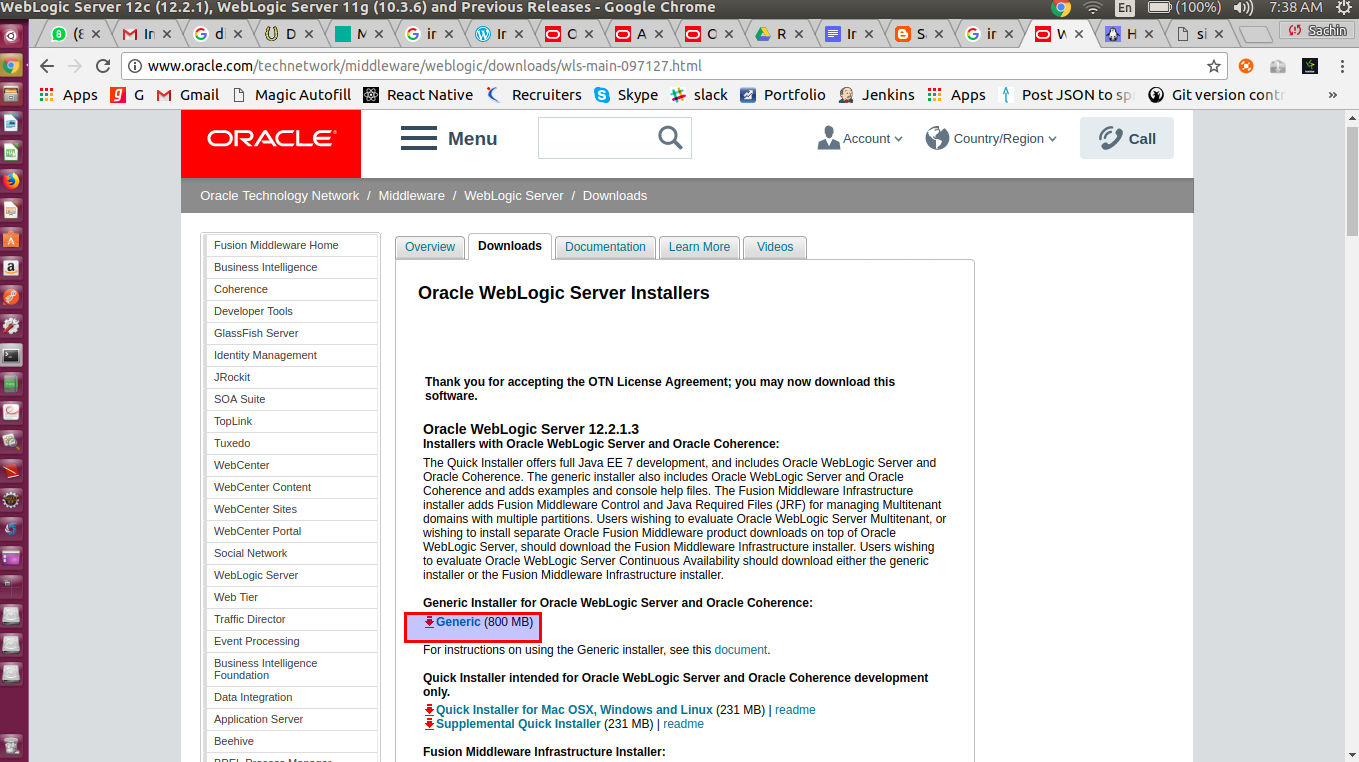
  2. Downlolad weblogic from below URL:


3. Keep this  fmw_12.2.1.3.0_wls_Disk1_1of1.zip downloaded file under ‘/home/sachin/weblogic’ folder and extract it.


$cd /home/sachin/weblogic


$unzip  fmw_12.2.1.3.0_wls_Disk1_1of1.zip (To extract zip file)
4. Run this extracted jar from zip file file
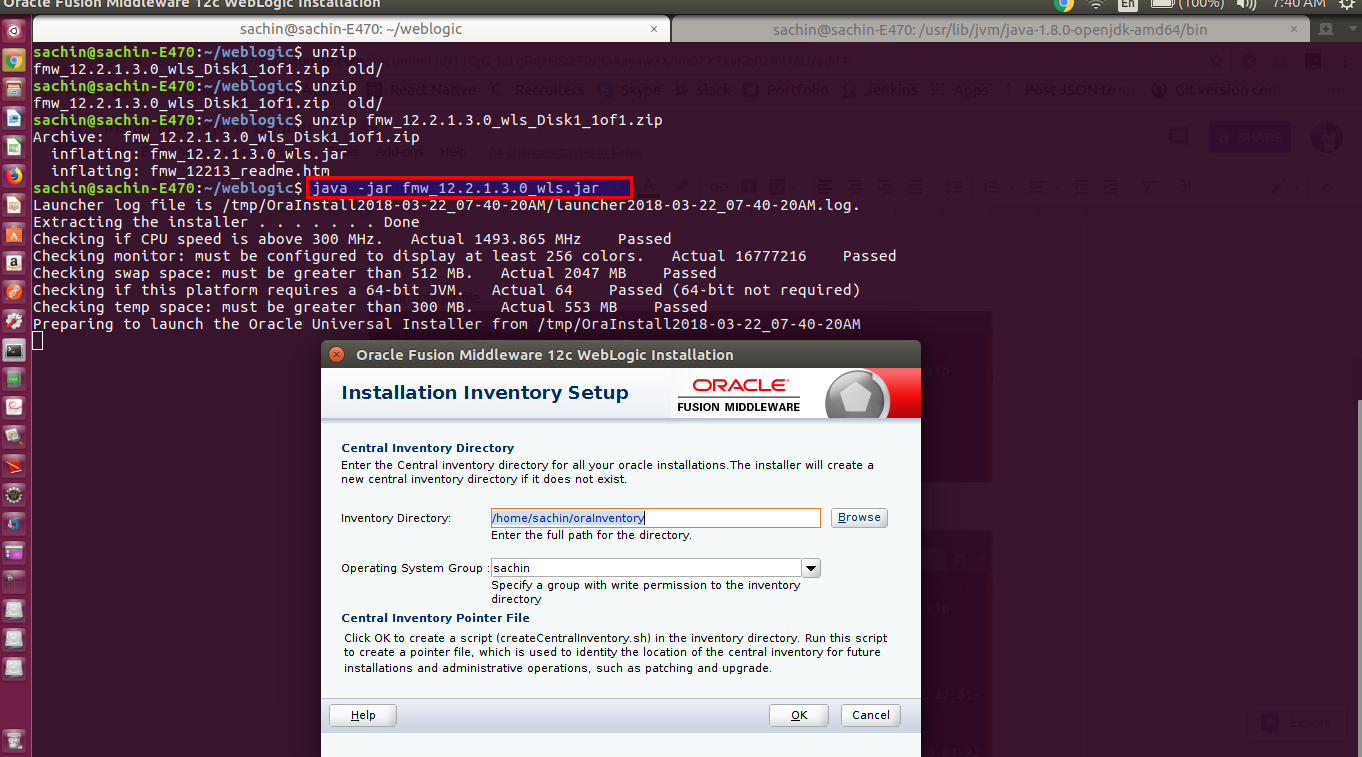
5. Click on next button, you will see below screen.
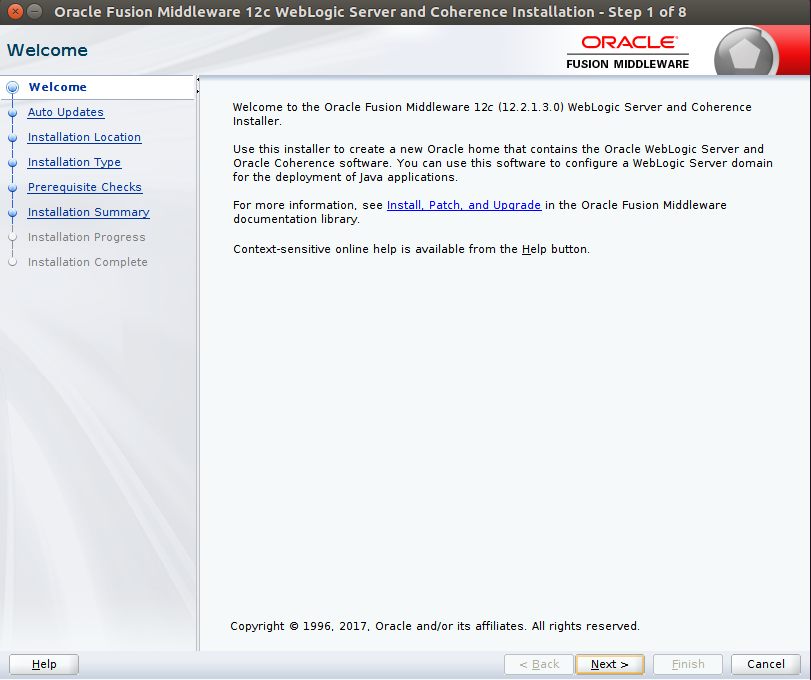

6. We can update the weblogic while installing. As of now, we will skip updates and click on next button.


7. Set ORACLE_HOME and click on next button.
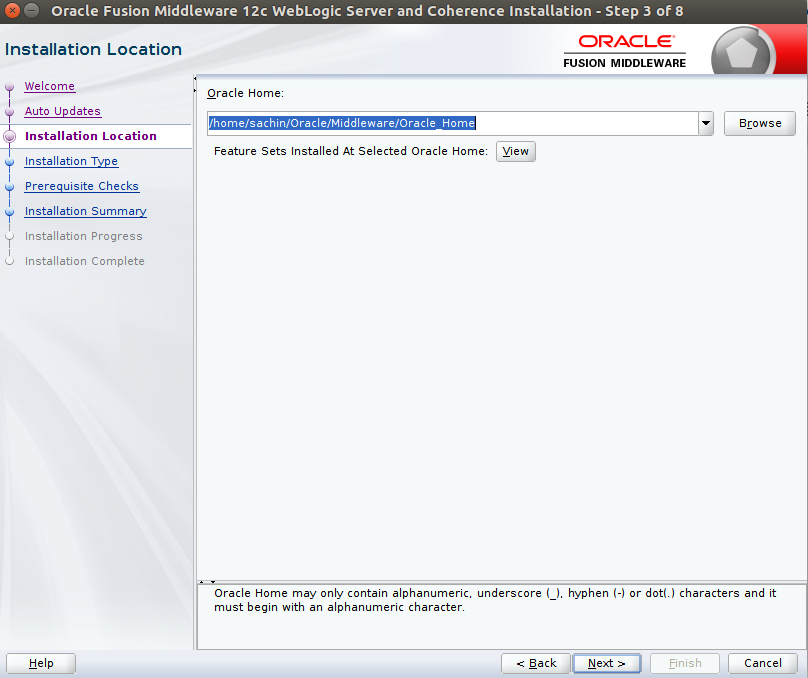


8. Select installation type as ‘Weblogic Server’ and click on next button.


9. Click on next button
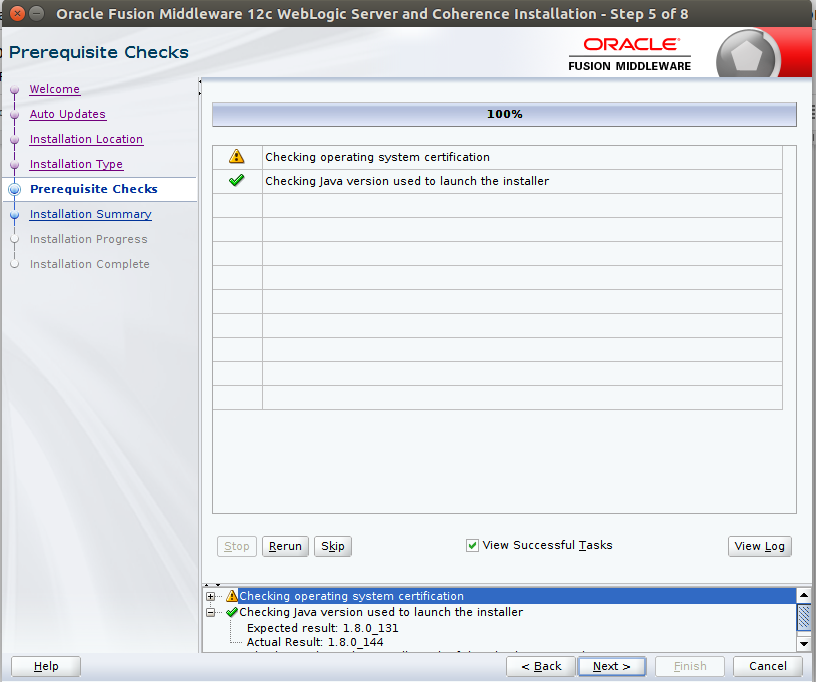

10. We will see installation summary as shown below . Then click on Install button.
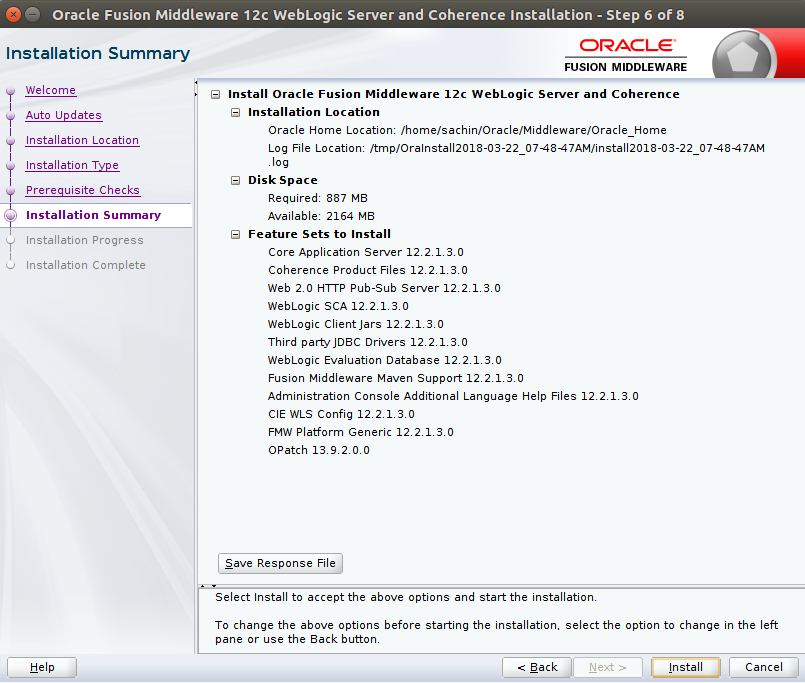


11. Setup will show progress


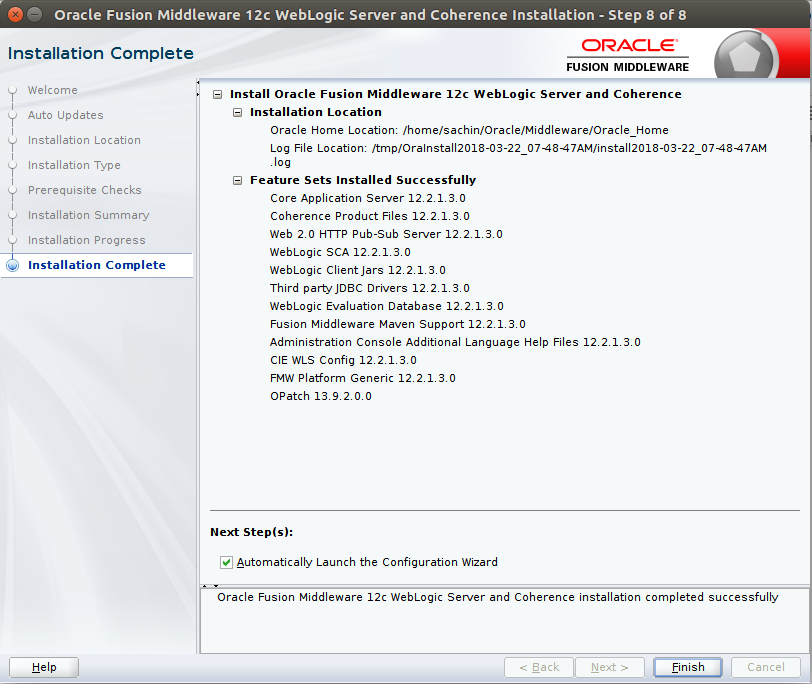
12. Once setup finishes all steps, click on next button. We will see Installation complete wizard. Click on Finish button.


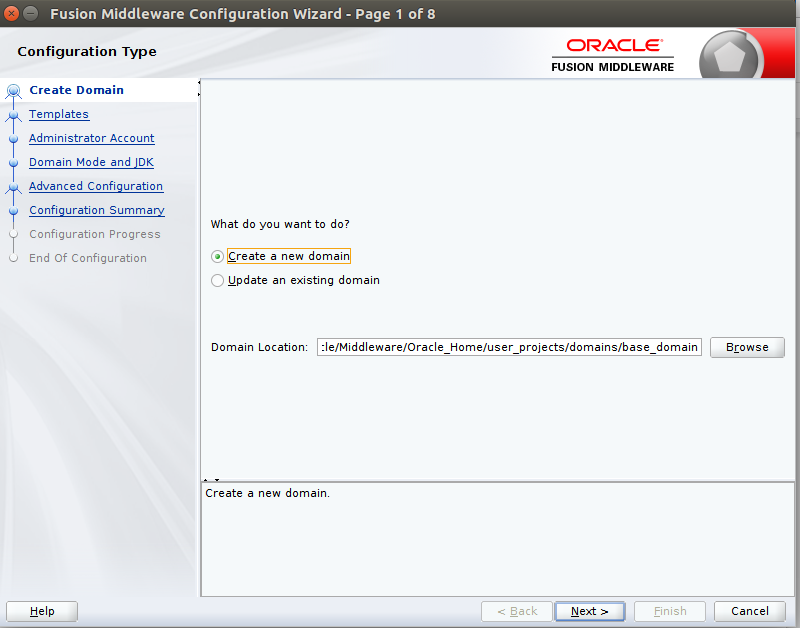
13. It will ask create new domain or use existing domain. Here we will create new domain and click on next button.


14. Select Product templates and click on next button.


15. Set username(weblogic) and password(weblogic@1) for weblogic server
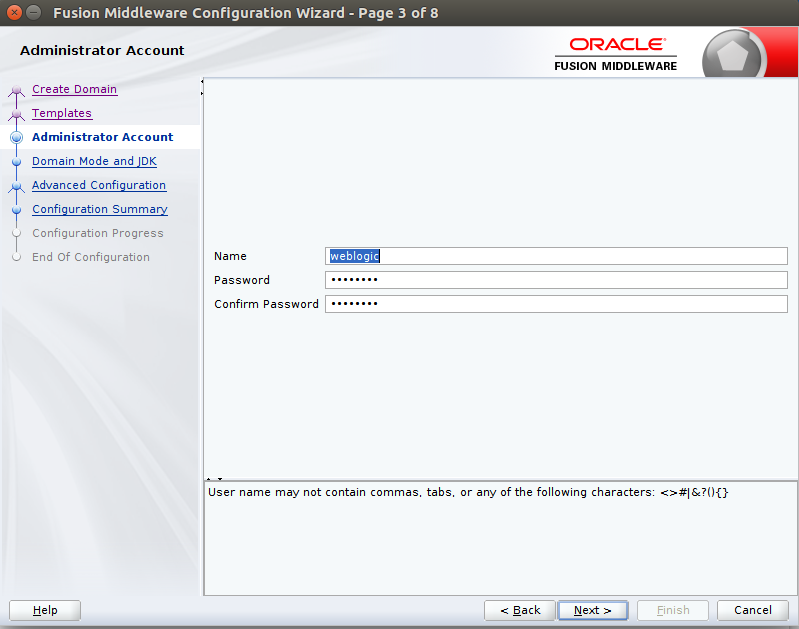

16. Set development mode and click on nect button

17. If needed, do some Advanced configuration (Here we are not doing  any)and click on next button.
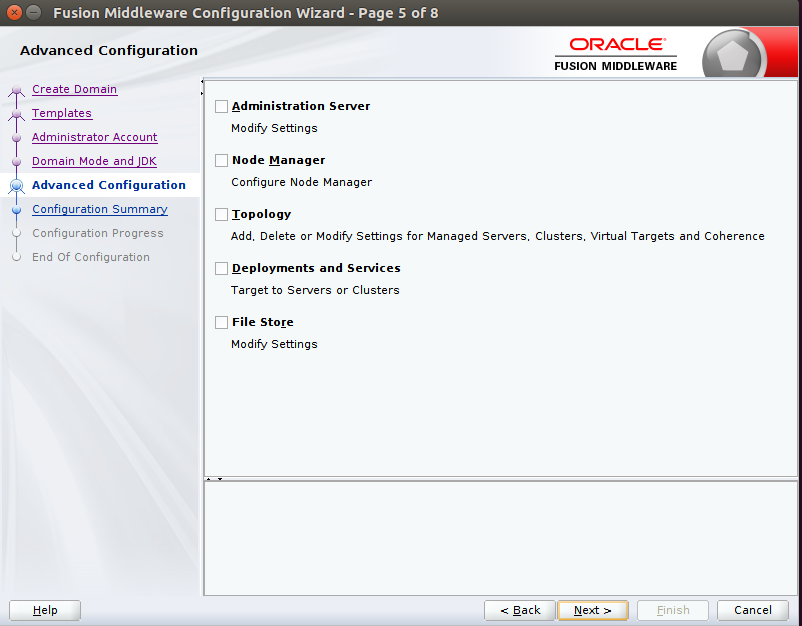

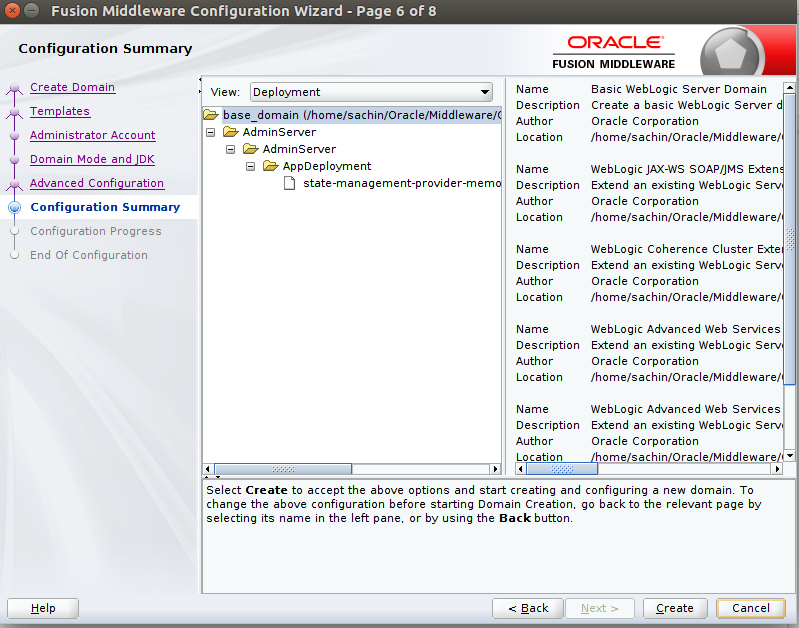
18. Check configuration summary and click on Create  button.


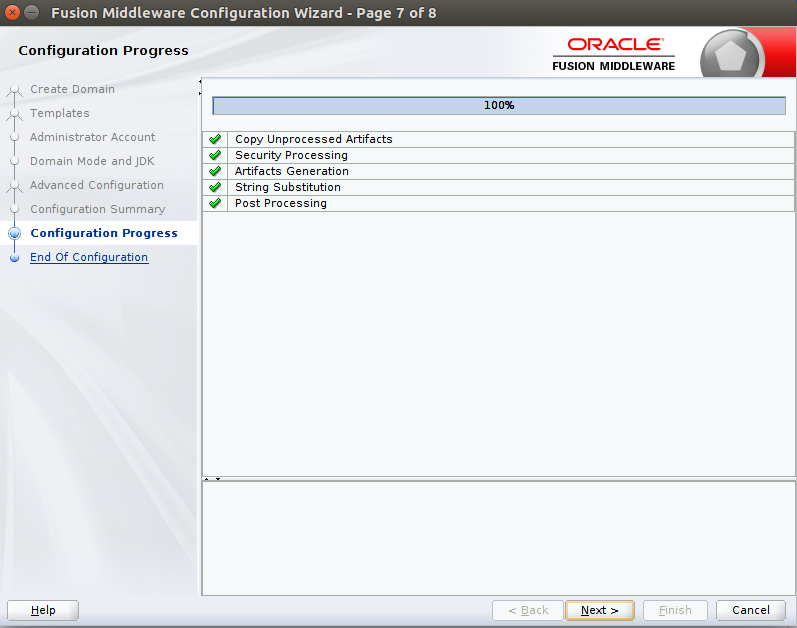
19. We will see progress of all the steps and then click on Next button

20. We will see domain location and Admin Server url. This is end of installation of weblogic server.


21. Start weblogic server
Go to domain location: /home/sachin/Oracle/Middleware/Oracle_Home/user_projects/domains/base_domain
And run $ sh startWebLogic.sh


22. We will see weblogic start up as shown below:


Enter username and password and click on Login button.


24. Congratullation!!!, you are able to access WebLogic ServerAdministration Console 12c

Happy Learning!!!

Monday, 4 December 2017

Clustering vs. Load Balancing

These 2 terms – clustering and load balancing – are used in the same sense by a majority of IT people with relative impunity.
Clustering has a formal meaning. A cluster is a group of resources that are trying to achieve a common objective, and are aware of one another. Clustering usually involves setting up the resources (servers usually) to exchange details on a particular channel (port) and keep exchanging their states, so a resource’s state is replicated at other places as well. It usually also includes load balancing, wherein, the request is routed to one of the resources in the cluster as per the load balancing policy.
Load balancing can also happen without clustering when we have multiple independent servers that have same setup, but other than that, are unaware of each other. Then, we can use a load balancer to forward requests to either one server or other, but one server does not use the other server’s resources. Also, one resource does not share its state with other resources.
Each load balancer basically does following tasks:
  1. Continuously check which servers are up.
  2. When a new request is received, send it to one of the servers as per the load balancing policy.
  3. When a request is received for a user who already has a session, send the user to the *same* server (This part is important, as otherwise user would keep going between different servers, but not able to really do any work). This part is not required for serving static pages, in that case, there are no user sessions.
What does it mean from a user’s perspective? Which one is better?
Every time some one asks a generic question – which one is better, the answer is invariably “It depends”. This isn’t political equivocation, but simply restating the fact that if one was better than the other in all circumstances, then the other wouldn’t exist.
Clustering saves the user’s state, and is more transparent to the user, but is harder to setup, and is very resource specific. Different application servers have different clustering protocols, and don’t necessarily work out of the box (don’t you believe any of that marketing fluff). Load balancing is comparatively more painless, and relatively more independent of application servers.
From a user’s perspective, it means that if the user is doing something on the application, and that server goes down, then depending upon whether the system is doing clustering or load balancing, the user observes different behavior. If the system is clustered, the user may be able to continue doing the transaction, and may not even realize that the server has gone down. If the system is load balanced without clustering, that means that the user’s state will likely be lost, and the user will be simply sent to the other server(s) to restart transaction. The user has lost some work.
Thank you.

Extract error records while inserting into db table using JDBCIO apache beam in java

 I was inserting data into postgres db using apache beam pipeline. it works perfectly with JdbcIO write of apache beam library. But, now, i ...